Password and private key auth
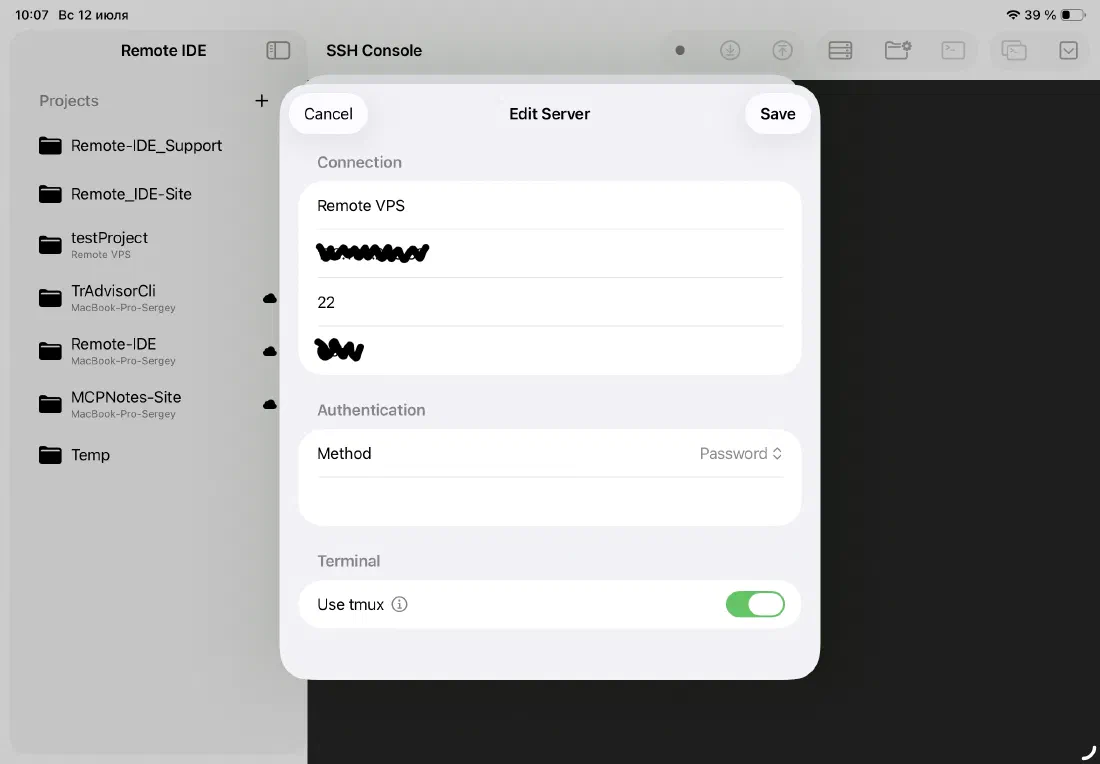
Remote IDE supports both authentication methods you'd use on a desktop: password-based and private key-based. Choose the method from a picker in the server's Authentication section; it's stored with the server configuration and used automatically on every connection.
Private keys are pasted in PEM format — the same format used by OpenSSH. Ed25519 keys are parsed natively. If your key has a passphrase, you can store that separately in the Keychain and it's supplied automatically at connection time.
- Password authentication
- Private key authentication (PEM format)
- Ed25519 key support
- Optional passphrase for encrypted private keys
Keychain storage — hardware-backed security
Passwords, private keys, and passphrases are stored exclusively in the iOS Keychain — the same hardware-backed secure enclave used by iOS itself for Face ID credentials and payment data. They are never written to iCloud, never logged, and never transmitted to any third party.
When you delete a server from Remote IDE, its credentials are deleted from the Keychain immediately. There are no orphaned secrets left behind.
- Credentials stored in the iOS Keychain, not in app files
- Keychain entries removed when a server is deleted
- Not synced to iCloud Drive — stays on-device
- Never sent to Remote IDE servers or any third party
Multiple servers, one place
Add as many servers as you need. Each server has its own name, host, port, username, authentication credentials, and remote paths. Switch between them from the servers sheet — one tap to connect, one tap to disconnect.
Edit or delete any server at any time. Swipe left on a server in the list to reveal the edit and delete actions.
- Unlimited servers
- Per-server authentication settings
- Swipe to edit or delete
- Custom port support (defaults to 22)
Ready to code on iPad?
Download Remote IDE and connect to your server in under a minute.